V0.dev Pricing Explained: Is the Vercel Plan Worth $20?
Published: July 1, 2026 • Written by Alex Rivera • Read Time: 14 min • Word Count: 2,010 words
1. Introduction: The Rise of Generative UI
When Vercel first released **v0.dev**, it sent shockwaves through the frontend development community. The ability to input a simple natural language prompt (like "Build a modern dashboard with a dark sidebar and interactive revenue charts") and receive clean, production-ready React code styled with Tailwind CSS and shadcn/ui components was nothing short of magical.
By 2026, v0.dev has matured from a simple UI generator into a core pillar of the modern frontend stack. It is used by individual freelancers, high-growth startups, and enterprise engineering teams to rapidly design, iterate, and deploy user interfaces.
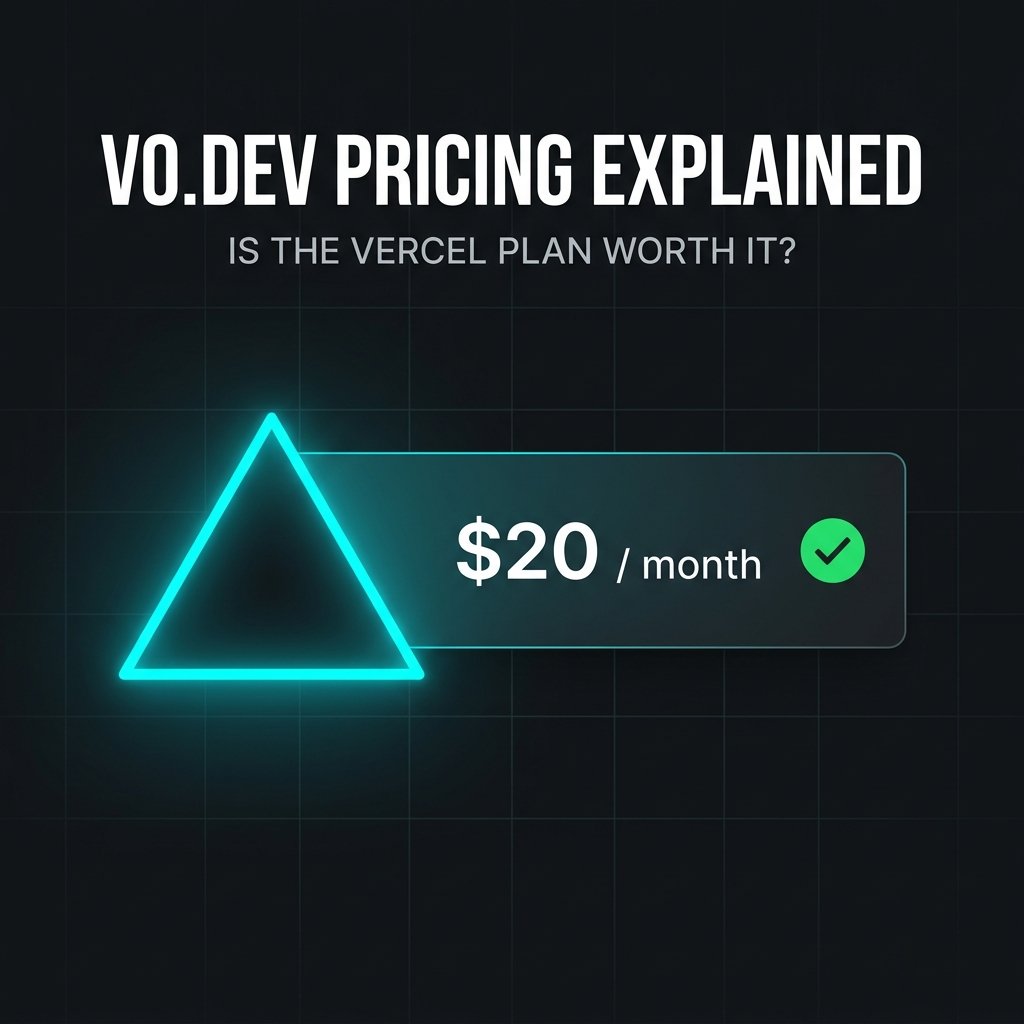
However, as the tool has grown, Vercel has refined its pricing structure. For many developers, the question is no longer whether v0.dev is a great tool, but **whether the $20/month Pro Plan is worth the investment.**
In this guide, we will break down the free and pro tiers of v0.dev, analyze how the generation credit system works, perform a detailed cost-to-value analysis, and help you decide which plan makes the most sense for your development workflow in 2026.
2. The Free Tier: What Can You Do for $0?
Vercel offers a surprisingly generous free tier for v0.dev, designed to let developers explore the platform and build basic prototypes without opening their wallets.
Here are the core limitations of the **Free Plan**:
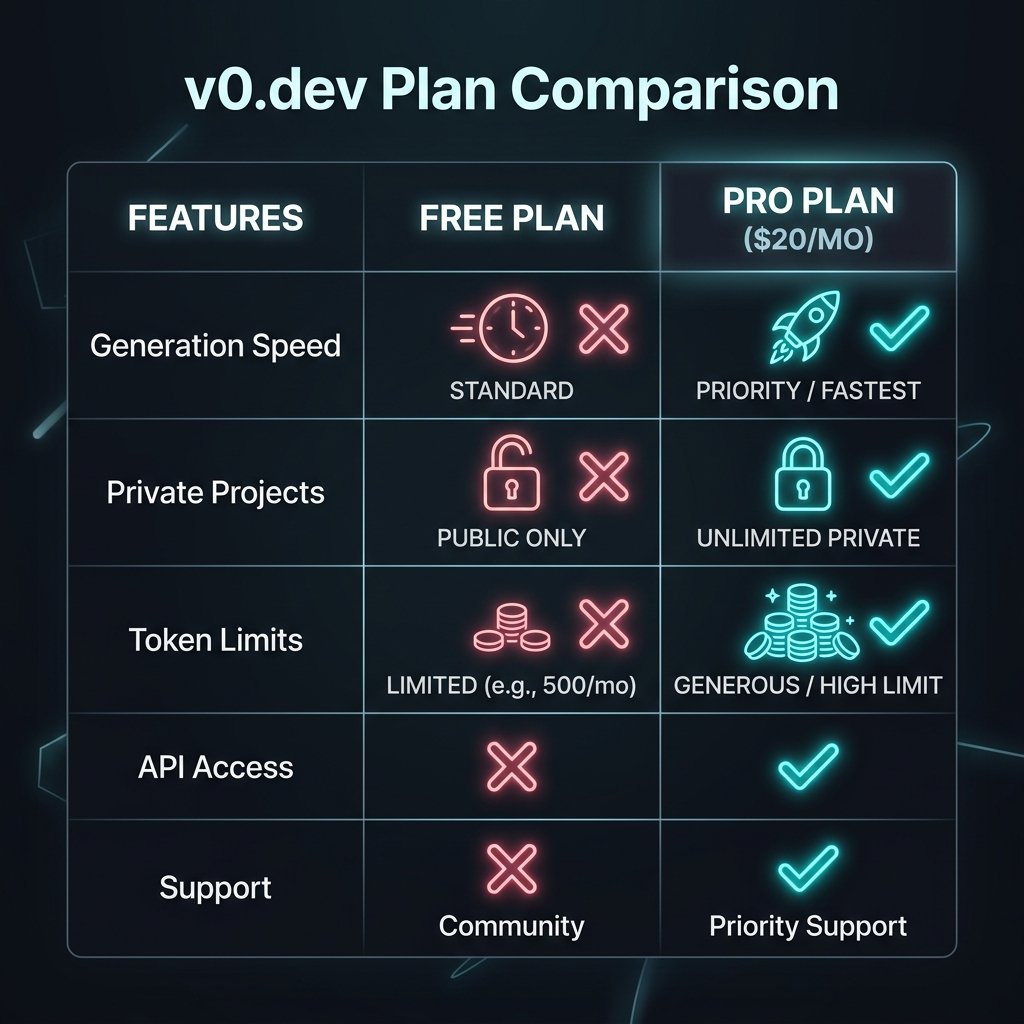
- Limited Generation Credits: You receive **120 credits per month**. Each prompt or follow-up edit consumes between 10 and 30 credits depending on the complexity of the request.
- Public Generations Only: Every UI component you generate on the free tier is added to v0's public registry. Anyone can search for, view, and copy your code.
- No Custom Deployments: While you can preview your components on v0's servers, you cannot link custom domains or configure advanced Vercel deployment settings directly from the workspace.
For hobbyists, students, or developers who only need to generate a single landing page or a couple of components once a month, the Free Plan is more than sufficient. However, for professional developers, the public code requirement and strict credit limits are major dealbreakers.
3. The $20 Pro Plan: Unlocking Professional Power
For **$20 per month**, the **Pro Plan** is designed to transform v0.dev from a fun prototyping tool into a high-throughput frontend development engine.
Here is what you unlock when you upgrade to Pro:
- Massive Credit Boost: You receive **5,000 generation credits per month**, which is enough to handle heavy, daily prototyping and multi-file UI iterations.
- Private Generations: All of your projects and components remain strictly private. They are hidden from the public registry, protecting your intellectual property and proprietary designs.
- Advanced Vercel Integration: Deploy your generated components directly to production with custom domains, preview branches, and advanced environment variable configurations with a single click.
- Figma-to-Code Integration: Import your Figma designs directly into v0 and let the AI convert them into responsive Tailwind CSS code instantly.
In-Content Image Placement
4. Understanding the Generation Credit System
To avoid overspending, it is critical to understand how v0.dev calculates and consumes your generation credits. Credits are not consumed per word; instead, they are tied to the **compute resources** required to generate and compile your code.
Here is the average credit consumption breakdown:
| Action | Average Credit Cost | Pro Plan Capacity (5,000 Credits) |
|---|---|---|
| Initial Prompt (New Component) | 30 Credits | ~166 new components / month |
| Minor Edit (e.g., "Change button color") | 10 Credits | ~500 minor edits / month |
| Major Refactor (e.g., "Add a new chart panel") | 25 Credits | ~200 major refactors / month |
| Figma-to-Code Import | 50 Credits | ~100 Figma imports / month |
If you run out of credits on the Pro Plan, you can purchase additional blocks of **1,000 credits for $5**, or simply wait for your monthly billing cycle to reset.
5. Cost-to-Value Analysis: Is It Worth It?
To determine if the Pro Plan is worth $20/month, let's look at the math from a financial and time-saving perspective.
Assume you are a freelance web developer charging a modest **$50 per hour**.
When building a new client website, you need to design and code a responsive landing page, a contact form, a pricing table, and a testimonials section. Doing this manually (writing the HTML, configuring Tailwind classes, choosing icons, and ensuring mobile responsiveness) takes roughly **4 hours** of focused work.
Using v0.dev Pro, you can generate all of these sections, customize them to match the client's branding, and export the clean React code in **15 minutes**.
**The Math**:
- Manual Development Cost: 4 hours × $50/hr = **$200**
- v0.dev Pro Development Cost: 0.25 hours × $50/hr + $20 (Pro Plan) = **$32.50**
- Net Savings per Project: $167.50 and 3.75 hours of manual labor.
From this perspective, **v0.dev Pro pays for itself on your very first project of the month.** The remaining 29 days of the month are pure, high-margin profit.
6. V0.dev vs. Competitors (Bolt.new & Lovable.dev)
While v0.dev is an incredible tool, it is important to understand how it compares to other AI generators in the ecosystem:
-
v0.dev (Vercel):
Best for **component-level design and frontend UI**. By focusing strictly on generating clean React, Tailwind, and shadcn/ui code, it produces the highest quality, most maintainable frontend code on the market.
-
Lovable.dev:
Best for **full-stack applications**. While v0.dev excels at UI components, Lovable.dev integrates directly with Supabase to provision databases, write backend security policies, and build fully functional data-driven applications.
-
Bolt.new:
Best for **multi-file full-stack web containers**. Bolt runs a complete Node.js environment directly in your browser, allowing you to install npm packages and run servers locally.
7. The Final Verdict: To Upgrade or Not?
In 2026, **the Vercel Pro Plan for v0.dev is an absolute must-have for professional frontend developers, freelancers, and agency owners.**
If you are building websites or web applications for clients, the time saved in designing, coding, and deploying responsive UIs makes the $20/month subscription one of the highest-ROI investments you can make in your business.
**Our Recommendation**:
- Stay on the Free Plan if: You are a student, a hobbyist, or only need to generate a single UI component once in a while.
- Upgrade to Pro if: You build web applications professionally, need to keep your code private, or want to import designs directly from Figma.
To learn more about optimizing your AI developer workflow, check out our in-depth comparison of Claude Code vs Cursor, or try our interactive .gitignore Generator to quickly bootstrap your next Vercel project.

About the Author: Alex Rivera
Founder & Editor-in-Chief, The Byte 404
Alex is a former Senior Systems Architect at Netflix and Stripe with over 15 years of experience building high-throughput distributed APIs. He writes about distributed systems, backend performance, and AI-native engineering workflows.