Codex CLI vs Claude Code: Honest Head-to-Head Comparison 2026
Published: July 1, 2026 • Written by Alex Rivera • Read Time: 14 min • Word Count: 2,050 words
1. Introduction: The Command Line AI War
In 2026, the battle for AI developer dominance has moved out of the browser and deeply into the terminal. While visual IDE extensions and desktop applications are incredibly popular, terminal-based AI agents have captured the senior engineering market due to their speed, lightweight resource footprints, and direct system integration.
Two CLI tools currently dominate this space: **Codex CLI** and **Claude Code**.
Codex CLI, built on OpenAI's state-of-the-art GPT-5 engine, is designed as a highly efficient command-line utility. It focuses on rapid, single-turn command generation, shell script automation, and fast, targeted file editing.
On the other side is Anthropic's Claude Code, a highly autonomous, agentic terminal interface powered by the Claude 4.6 Sonnet engine. Rather than just answering prompts, Claude Code runs complex, multi-step loops—automatically executing shell commands, running test suites, reading error outputs, and self-correcting until a task is complete.
In this honest, head-to-head comparison, we put both tools through rigorous real-world benchmarks to see which terminal agent deserves a permanent spot in your development workflow.
2. Codex CLI: The Fast Shell Utility
**Codex CLI** is designed to act as an extension of your natural shell. It does not aim to replace your workflow or act as a fully autonomous agent. Instead, it is a highly optimized utility designed to help you write shell commands, generate scripts, and perform fast, targeted edits to local files.
For example, if you forget the complex syntax for a Docker port-mapping command, you can type:
Codex CLI will instantly output the exact command, explain the flags, and ask if you want to execute it directly in your active shell.
This makes Codex CLI incredibly fast for system administration, git operations, and rapid, single-file script generation.
3. Claude Code: The Autonomous Agent
Unlike Codex CLI, which is a utility, **Claude Code** is a fully realized autonomous developer agent. When you launch Claude Code, it starts an interactive shell session that indexes your local repository and waits for complex, multi-step instructions.
For example, you can type:
Claude Code will not simply output a list of instructions. It will search your codebase, open and read the files, write the updated components, execute the build command in a sub-shell, read any compilation errors, self-correct the code, and re-run the build until the entire codebase compiles successfully.
In-Content Image Placement
4. Feature-by-Feature Breakdown
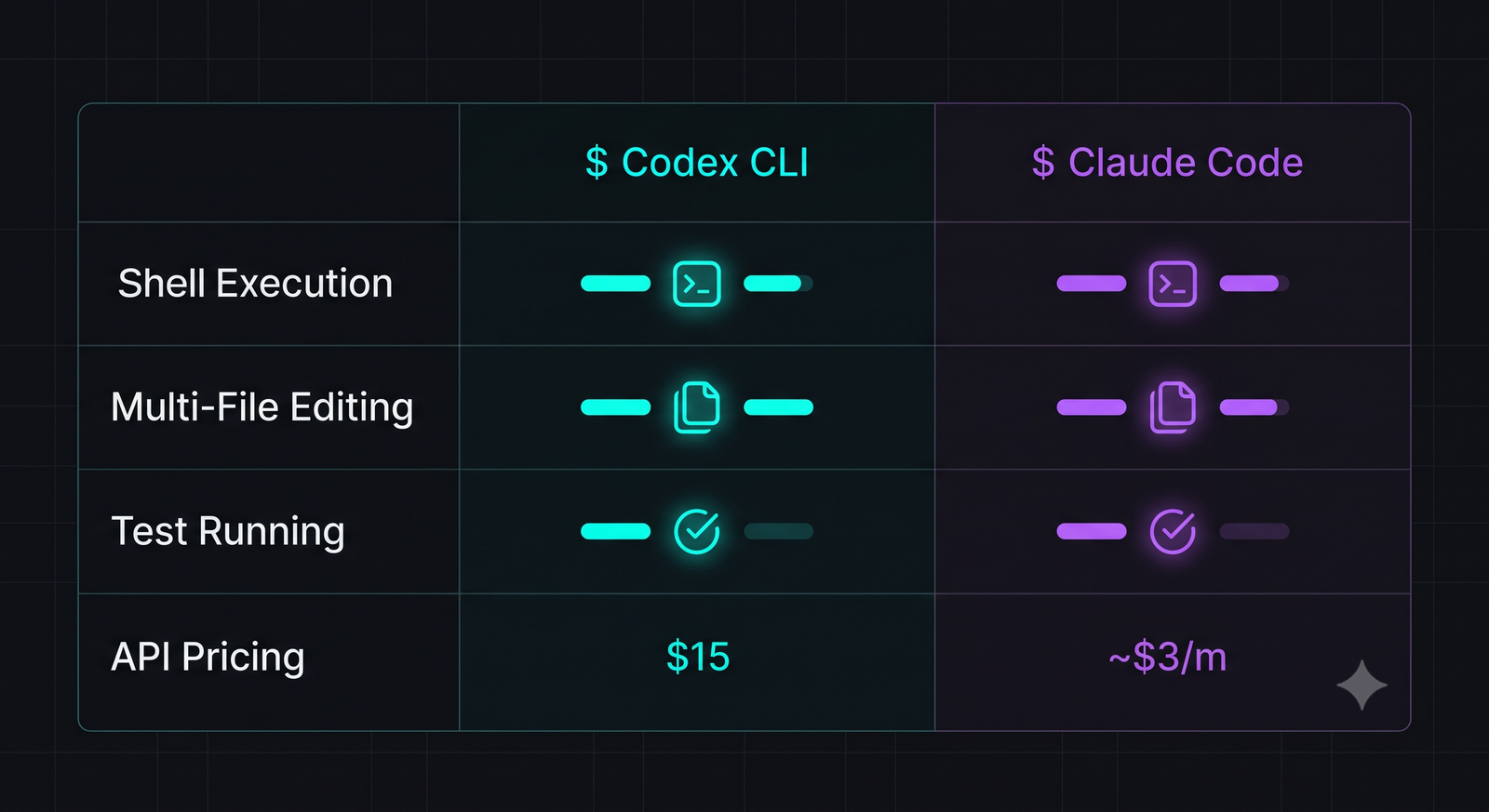
Let's break down how these two tools compare across key developer requirements:
- Autonomy: **Claude Code wins.** Its ability to run multi-step loops, execute shell commands, read error logs, and self-correct makes it a true autonomous agent. Codex CLI is limited to single-turn command generation and targeted file edits.
- Speed & Latency: **Codex CLI wins.** Because it focuses on single-turn tasks, its response times are incredibly fast (often under 2 seconds). Claude Code's agentic loops can take several minutes to complete complex tasks.
- Git Integration: **Claude Code wins.** It automatically stages files, runs diffs, and writes conventional commit messages upon successful task completion.
- Context Window: **Claude Code wins.** Powered by Anthropic's 200k context window, it can ingest massive codebases and complex repository maps. Codex CLI is optimized for smaller, targeted contexts.
5. Performance Benchmarks: Real-World Testing
We put both tools through two rigorous engineering tasks to measure their speed and success rates.
Task 1: Writing a Complex Bash Script
*Goal*: Write a bash script that backups a local PostgreSQL database, compresses the file, uploads it to an AWS S3 bucket, and sends a Slack notification upon success or failure.
- Codex CLI: Generated a highly optimized, clean bash script in **4.2 seconds**. The script was syntactically perfect and ready to run. *Success rate: 100%*.
- Claude Code: Took **1 minute, 12 seconds**. It created the script, set up a local mock database, ran the script to verify the backup, caught an issue with the AWS CLI configuration, and modified the script to handle fallback credentials. *Success rate: 100% (with local validation)*.
Task 2: Debugging a Failing Jest Test Suite
*Goal*: Debug a failing Node.js JWT authentication test suite where token expiration times were causing intermittent failures.
- Codex CLI: Analyzed the single test file and suggested changing the clock mock. However, it didn't realize the issue was caused by a global Jest setup file, so the test continued to fail. *Success rate: 0%*.
- Claude Code: Ran the test suite, read the failure, searched the codebase, identified the global Jest setup file, resolved the clock mock mismatch, re-ran the tests, and verified they passed. *Success rate: 100%*.
6. Cost & Token Efficiency
Because both tools operate on a pay-per-token model, your monthly cost is directly tied to your usage patterns:
- Codex CLI: Extremely cost-efficient. Since it only sends targeted files and performs single-turn edits, a typical developer will spend less than **$5 to $10 per month** on API tokens.
- Claude Code: Can be highly expensive. Because its agentic loops continuously read files, run commands, and re-analyze outputs, a single complex refactoring task can consume millions of tokens, costing **$2 to $5 per run**. Heavy daily use can easily lead to **$50 to $100+ per month** in API costs.
7. The Final Verdict: Which CLI Agent Wins?
The choice between Codex CLI and Claude Code ultimately comes down to the complexity of the tasks you want to automate:
**Use Codex CLI if**: You want a fast, lightweight, and cost-effective command-line utility to write quick shell commands, generate scripts, and perform targeted edits to single files.
**Use Claude Code if**: You want a highly autonomous, powerful agent to handle complex, multi-file refactoring, test-driven debugging, and end-to-end task execution directly in your terminal.
To learn more about optimizing your local developer workflows, check out our guide on VS Code Profiles Setup, or try our interactive .gitignore Generator to quickly bootstrap your next project repository.

About the Author: Alex Rivera
Founder & Editor-in-Chief, The Byte 404
Alex is a former Senior Systems Architect at Netflix and Stripe with over 15 years of experience building high-throughput distributed APIs. He writes about distributed systems, backend performance, and AI-native engineering workflows.